WLC Support for the A&S Symposium
Prepare your research for the wider audience it deserves.
The Weinstein Learning Center supports data analysis, research presentation, poster design and printing to help you present your work with clarity and confidence. Explore the options below and sign up for the support that fits your project.
-
Make Sense of Your Data: Quantitative Research Support
If you’re working with data for a project or research, the Quantitative and Programming Resources team is here to help you turn that data into clear and easy-to-understand graphics. Support includes guidance on creating graphs and charts from data, as well as organizing these visualizations into posters for presentations. You can easily book an appointment to get assistance.
-
Prepare Your Presentation: Speech Support Workshops
You’ve done the research—now learn how to share it in this three-workshop series designed for students taking part in the A&S Student Symposium. You’ll gain practical strategies for explaining your work to different audiences, designing effective visuals, and using delivery techniques that will make your ideas stand out.
Focusing Your Research: Developing a Compelling Message
Distill your research into a concise, effective argument, and explain why your work matters to an academic audience.
In this workshop, we will explore common structures of academic presentations—framing a problem, explaining your methodology, highlighting the significance of your conclusions—and give you opportunities to refine and practice a clear research pitch.
- Wednesday, March 25, 7-8pm Location: THC 321 - Register Here
- Thursday, March 26, 5-6pm Location: THC 346 - Register Here
- Friday, March 27, 12:30-1:30pm Location: THC 321 - Register Here
Representing Your Research: Designing Visuals, Slides, and Poster Presentations
Design slides that clearly and ethically represent your research, using compelling visuals and formats.
In this workshop, we will examine principles of effective visual design, discuss purposeful use of text, images, and data, and share practical strategies for formatting slides and posters for academic presentations.
- Wednesday, April 1, 7-8pm Location: THC 321 - Register Here
- Thursday, April 2, 5-6pm Location: THC 321 - Register Here
- Friday, April 3, 12:30-1:30 pm Location: THC 305 - Register Here
Delivering Your Research: Presenting Effectively in an Academic Setting
Build confidence in your delivery and learn practical strategies for presenting academic work to peers and faculty.
In this workshop, we will focus on effective body language, vocal strategies, and audience engagement techniques, with attention to how academic presentations differ from other speaking contexts.
- Wednesday, April 8, 7-8pm Location: THC 305 - Register Here
- Thursday, April 9, 5-6pm Location: THC 305 - Register Here
- Friday, April 10, 12:30-1:30pm Location: THC 305 - Register Here
-
Create a Poster: Templates
A typical poster size is 34 by 56 inches. We do ask that keep your poster size to 58 inches or less in one direction to minimize waste.
You are welcome to the templates below to create your research poster. Please feel free to adjust the template to fit your needs and do not feel obligated to use it when printing your poster in the Technology Studio.
-
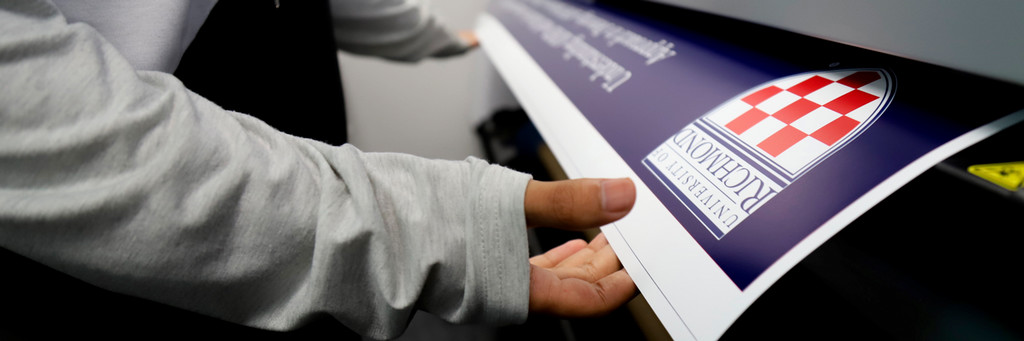
Print your Poster: Technology Studio
Make an Appointment to Print
- Please request for your poster appointment here.
- One reservation will equal one poster. If you have multiple poster presentations, you will need multiple appointments. Only one person from a group will have an appointment to print.
- Make sure to offer a wide range of times and days that work with your schedule. You will have your appointment scheduled quickly if the times are available.
- Appointments are scheduled on a first-come, first-served basis. Please do not wait to book, as last-minute requests may not be accommodated.
Print your Poster at the Technology Studio
- Please come to the Technology Studio at the Weinstein Learning Center, located in Boatwright Library, Room 212, and check in with the Consultant at the WLC main desk for your poster appointment.
- You must be on time with your poster completed and ready to print. If you are more than 5 minutes late, you will forfeit your appointment.
- Appointments are scheduled in 30-minute time slots. Because appointments run back-to-back, students must remain with their poster while it prints. If you leave before printing is complete, the job may be paused and the next appointment served.
- Your poster must be sized to the final printing size. A typical poster size is 34 by 56 inches.
- Save your file on an external drive or use a cloud storage solution like Box or Google Drive.
- We will not be responsible for any poster left behind in the computer lab.
- Your poster is not water-resistant. Moisture and oils from your hands or rain will affect the ink, so handle your poster carefully.
A&S Symposium Homepage
Contacts
Quantitative Research Support
Erica Modeste
Email: erica.modeste@richmond.edu
Speech Support
John Boyd
Email: john.boyd@richmond.edu
Technology Studio Support
Melissa Foster