Poster Printing
-
Create a Poster: Templates
A typical poster size is 34 by 56 inches. We ask that keep your poster size to 58 inches or less in one direction to minimize waste.
You are welcome to the templates below to create your research poster. Please feel free to adjust the template to fit your needs and do not feel obligated to use it when printing your poster at the Technology Studio.
-
Print your Poster: Technology Studio
Make an Appointment to Print
- Please request your poster appointment via the WLC Student Portal or the Faculty/Staff Request Form.
- One reservation will equal one poster. If you have multiple poster presentations, you will need multiple appointments. Only one person from a group will have an appointment to print.
- Make sure to offer a wide range of times and days that work with your schedule. You will have your appointment scheduled quickly if the times are available.
- Appointments are scheduled on a first-come, first-served basis. Please do not wait to book, as last-minute requests may not be accommodated.
Print your Poster at the Technology Studio
- Please check in at the Technology Studio’s front desk, located on the first floor of Boatwright Library.
- You must be on time with your poster completed and ready to print. If you are more than 5 minutes late, you will forfeit your appointment.
- Appointments are scheduled in 30-minute time slots. Because appointments run back-to-back, students must remain with their poster while it prints. If you leave before printing is complete, the job may be paused and the next appointment served.
- Your poster must be sized to the final printing size. A typical poster size is 34 by 56 inches.
- Save your file on an external drive or use a cloud storage solution like Box or Google Drive.
- We will not be responsible for any poster left behind in the Technology Studio.
- Your poster is not water-resistant. Moisture and oils from your hands or rain will affect the ink, so handle your poster carefully.
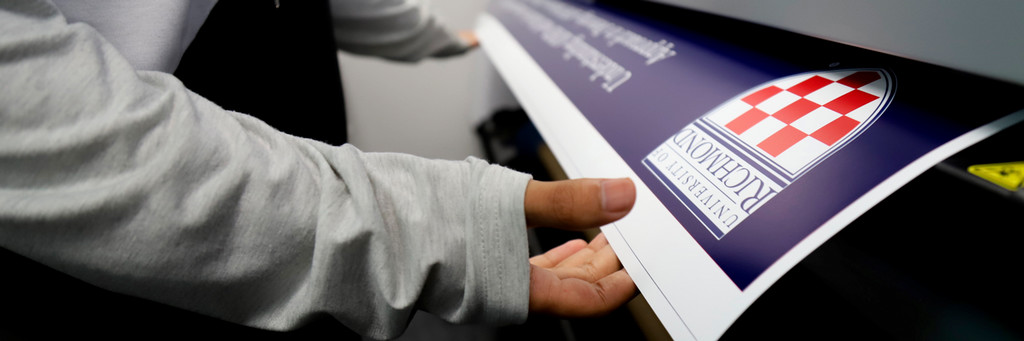
We offer large-format poster printing for University of Richmond community members working on credit-bearing class projects and conference materials. Our HP DesignJet 9+ printer can accommodate posters up to 58 inches in width.
Faculty, staff, and students are responsible for creating and preparing their posters for printing. Posters should be formatted to the final print size and can be designed using PowerPoint, Illustrator, Google Slides, or Photoshop. Appointments are required for printing, and users must be present during the printing process. During the busy season leading up to A&S Symposium, any poster printing appointment more than 5 minutes late will be canceled. For orders of multiple copies or large quantities, users will be directed to the UR Print Shop, where they will be responsible for the printing costs.
Arts and Sciences Symposium poster printing tips: https://as.richmond.edu/Request a poster printing appointment through the WLC Student Portal or the Faculty/Staff Request Form. A member of the Technology Studio team will contact you regarding next steps.